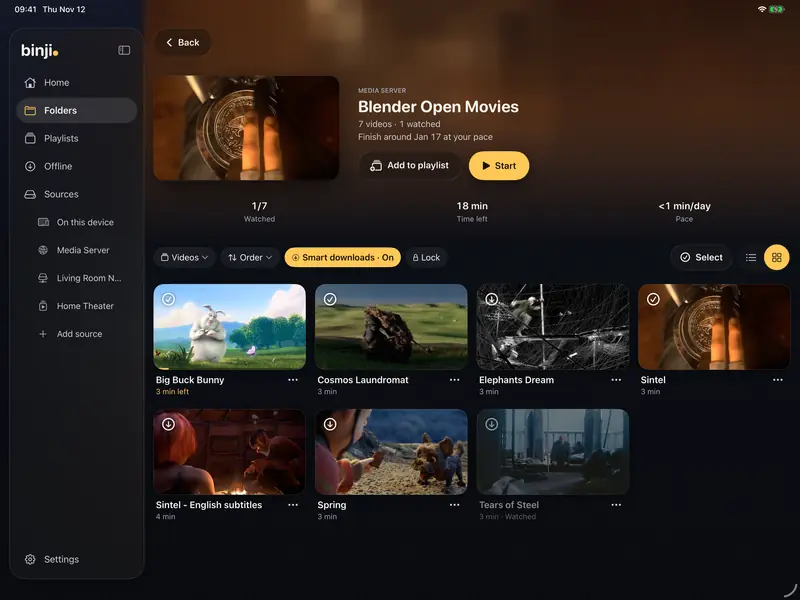
Smart downloads
Your next episode is already offline.
Set a rule per folder and Binji keeps the next videos ready on your device. Watched ones clear themselves to make room.
- On Wi-Fi only
- While charging
- Within a storage budget
Video player for iPad, iPhone, Mac, Vision Pro and Apple TV
Binji plays the files you already own, MKV, HEVC, AV1 and HDR, from your iPad, the Files app or the NAS in the next room. And it keeps the next ones ready offline.
Coming soon on the App Store
See what it doesFree to download. Binji Pro is a one-time $11.99.
Made for watching a lot
Series, lectures, lessons and films from your own library, in order, with your place kept and the next one waiting.
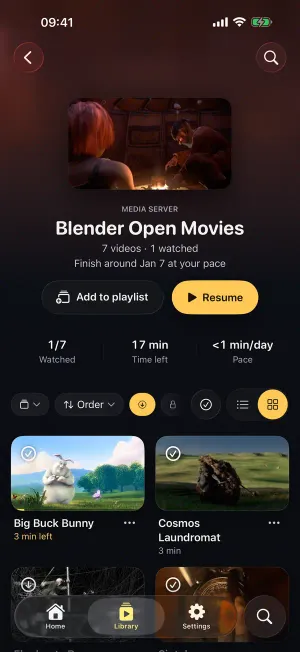
Smart downloads
Set a rule per folder and Binji keeps the next videos ready on your device. Watched ones clear themselves to make room.
The player
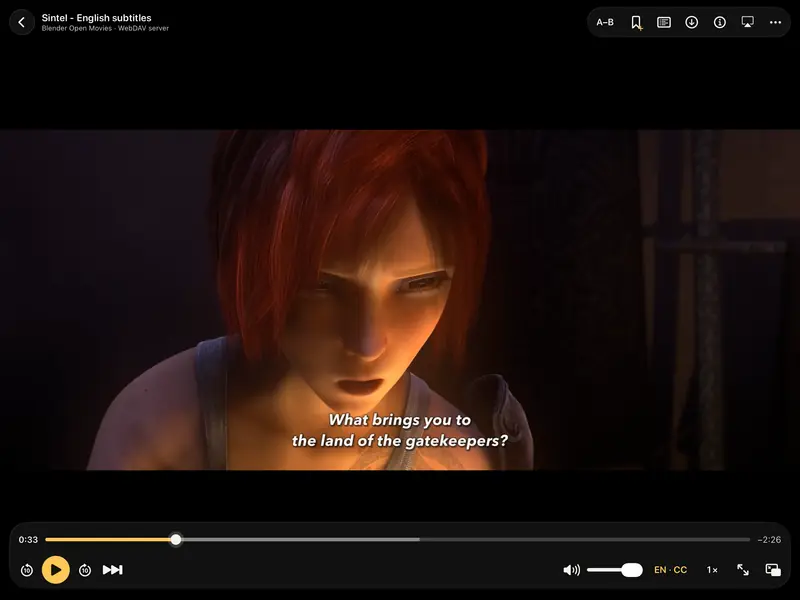
MKV, HEVC and AV1 play as they are, with no converting first. Drop a subtitle file next to the video and Binji loads it.
Series and lessons
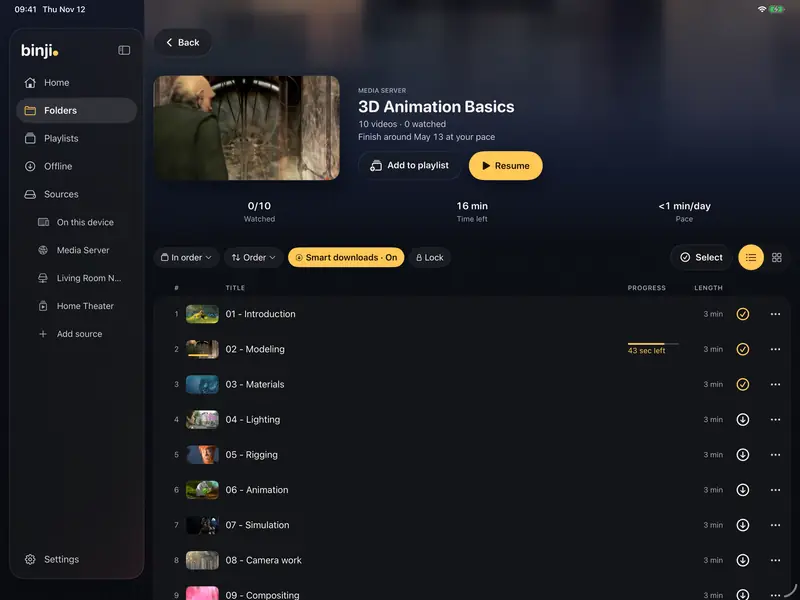
Natural order puts Part 2 before Part 10. Each folder shows what you've watched and how much time is left.
Home
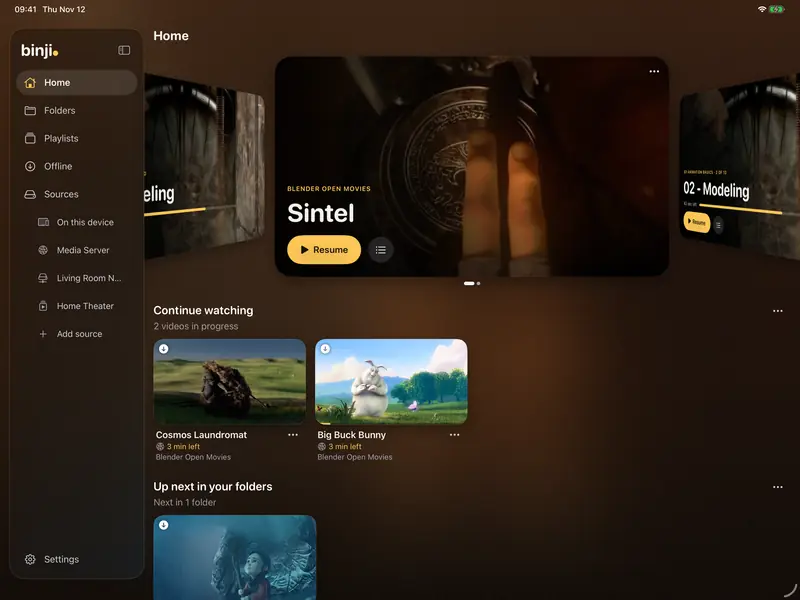
Home brings together what you're in the middle of, what's new on your shares and what's ready offline.
The player
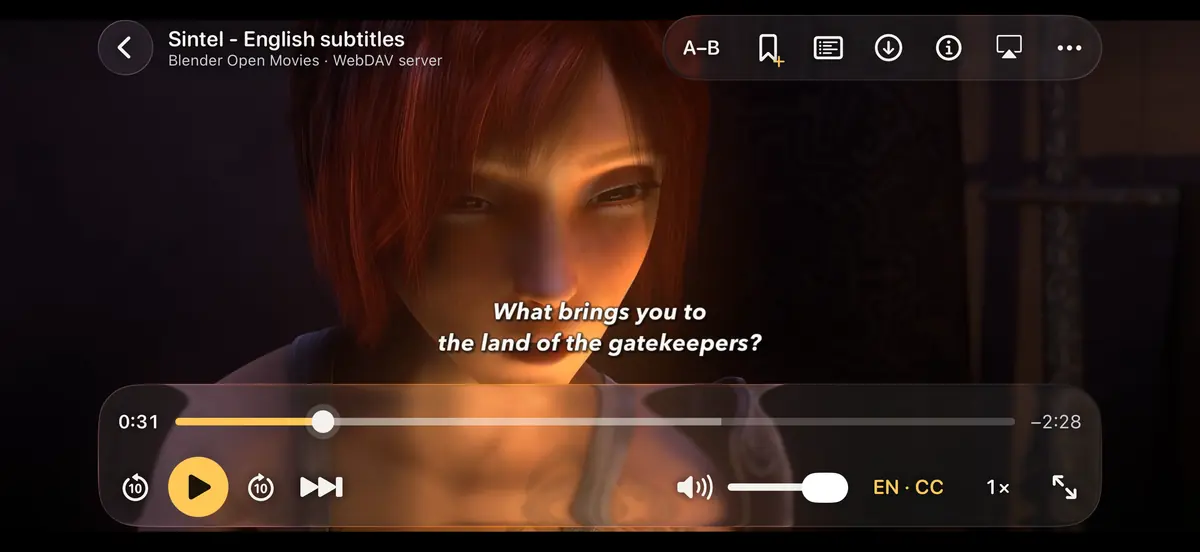
SRT, ASS/SSA with their styling, PGS and VTT. Binji picks up subtitle files that sit next to the video.
Lectures at 1.5×, films at 1×. Binji keeps the speed you chose for each folder.
Keep watching while you take notes or reply to a message.
Send it to the big screen in one tap.
Repeat a passage until the move, the chord or the line sticks.
Mark the moments and sort the videos you come back to.
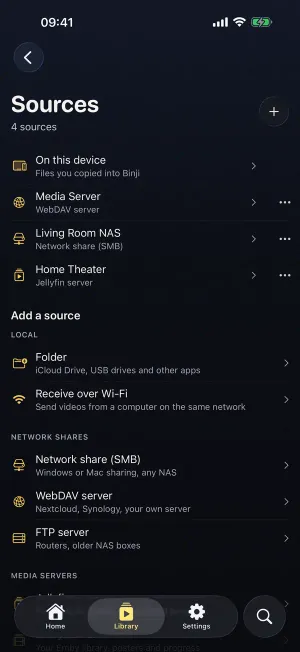
Your library
Binji connects straight to the places your videos already live. No converting, no uploading, no Binji account. Passwords stay in your Keychain.
Every Apple screen
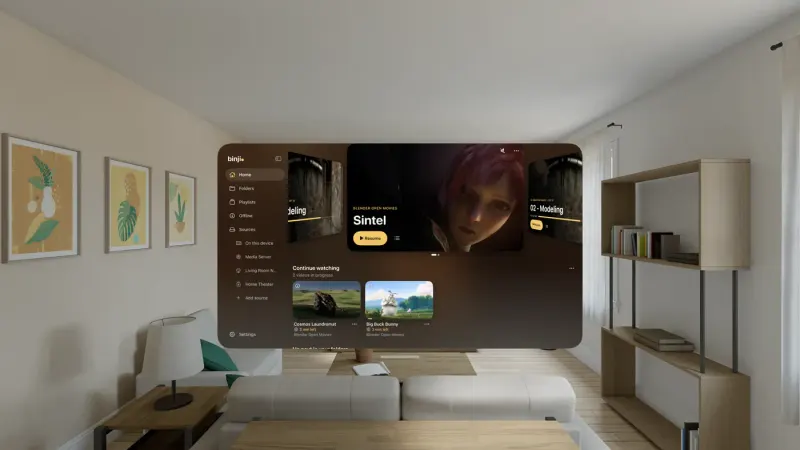
Binji runs on iPad, iPhone, Mac, Apple Vision Pro and Apple TV. Your place in every video syncs through your private iCloud.
The full library on the screen made for watching.
Your queue in your pocket, offline when you need it.
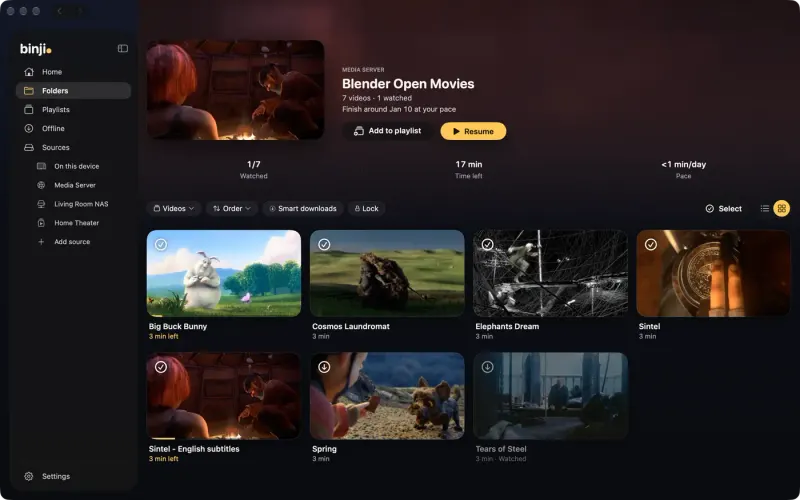
A native Mac app, not a stretched iPad one.
Your library in a window as large as you like.
Your shares and media servers, from the couch.
Pricing
No subscription. Buy Binji Pro once and share it with your family.
$0
$11.99 one-time purchase
Everything in Free, plus:
Prices in USD. The App Store shows your local price.
Binji is a video player for iPad, iPhone, Mac, Apple Vision Pro and Apple TV. It plays the video files you already own from your device, the Files app, network shares and media servers, and keeps the next ones ready offline.
Containers: MKV, MP4, AVI, WebM and TS. Video: HEVC, AV1 and VP9, among others, with HDR10 and HLG, and Dolby Vision in MP4, MOV and HLS. Subtitles: SRT, ASS/SSA, PGS and VTT.
Yes. Binji connects to SMB, WebDAV and FTP shares, works with Jellyfin, Emby and Plex servers and with UPnP/DLNA, and plays direct video and HLS links. It connects straight to your server, and passwords stay in your Keychain.
Yes. Download any video to watch offline, or let Smart downloads keep the next ones in a folder ready for you, on Wi-Fi only, while charging and within a storage budget. Smart downloads are part of Binji Pro.
No. There is no Binji account. Your files, titles and server addresses stay on your devices, and watch progress syncs through your private iCloud.
Binji is free to download, with local files, the Files app, the full player and one share. Binji Pro is a one-time $11.99 purchase with Family Sharing, and no subscription.
Binji is coming soon to the App Store for iPad, iPhone, Mac, Apple Vision Pro and Apple TV.
Free to download. Binji Pro is a one-time $11.99.
Coming soon on the App Store
Binji plays media you own or have the right to watch. The films in the screenshots are Blender Foundation open movies, CC BY.